


kategória
szerző
cím
sorozat
betöltés...
kiadó
betöltés...
ISBN
évszám
ár
-
leírás
Előrendelhető
A mezők bármelyike illeszkedjen
A mezők mind illeszkedjen



Welcome
Welcome to the Microsoft® Windows^'^operating system, software that makes your computer easier and more fun to use. Windows is easy lo leam because its graphical interface is consistent from one application to the next. When you've learned to use one application, such as Windows Write, you've learned the essentials for using any other application with Windows. You can run your existing non-Windows applications beside Windows applications and share information between them. And now, Windows is easier and faster to set up on your...
online ár:
Webáruházunkban a termékek mellett feltüntetett fekete színű online ár csak internetes megrendelés esetén érvényes.
3360 Ft

Részletesen erről a termékről
Bővebb ismertető
Welcome
Welcome to the Microsoft® Windows^'^operating system, software that makes your computer easier and more fun to use. Windows is easy lo leam because its graphical interface is consistent from one application to the next. When you've learned to use one application, such as Windows Write, you've learned the essentials for using any other application with Windows. You can run your existing non-Windows applications beside Windows applications and share information between them. And now, Windows is easier and faster to set up on your system.
If you are new to Windows, you may want to go lo Chapter 3 of this book right after setting up Windows. Chapter 3, "A Brief Tour of Microsoft Windows," offers a visual introduction to Windows so that you can become familiar with the graphical interface before you start to use it.
If you prefer to preview Windows on the screen, you can use the Microsoft Windows Tutorial during the Setup program. To use the Windows Tutorial, you must have a mouse and a VGA (or better) monitor. If Windows is already set up on your computer, you can start the Tutorial from within Windows. Choose the Windows Tutorial command from the Help menu in Windows Program Manager. For more information, see "Running the Microsoft Windows Tutorial" at the end of Chapter 3, "A Brief Tour of Microsoft Windows."
r .
Termékadatok
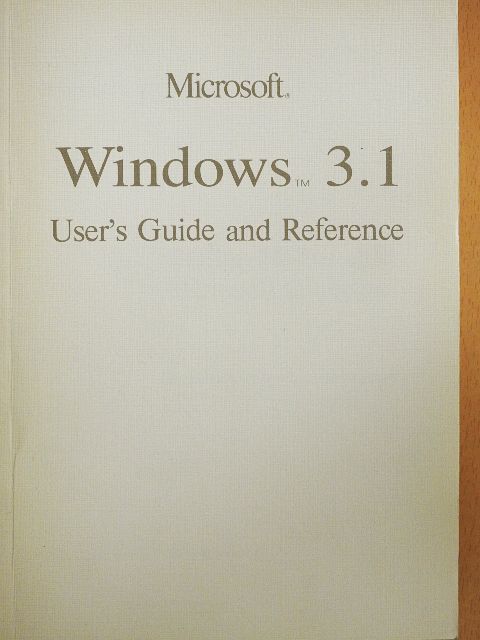
Cím: Microsoft Windows 3.1 [antikvár]
Kiadó: Microsoft Corporation
Kötés: Ragasztott papírkötés
Méret: 150 mm x 210 mm
Új vásárló vagyok!
új vásárlóval indíthatsz rendelést............